
Howto: Replace the Connectors on the Mainboard
Why?
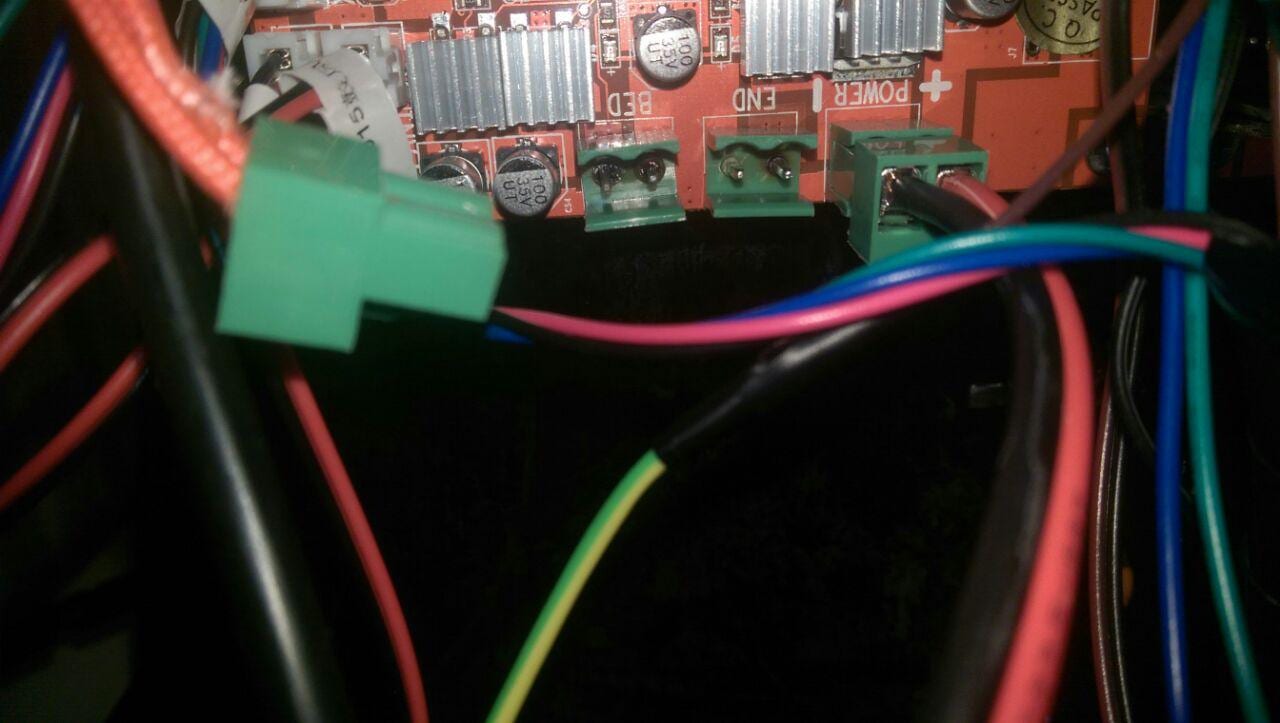
The green connectors on the board are not rated for the heatbed currency. Multiple users on the Facebook-Groups showed their burned pins, connectors or mainboards. To prevent this you should switch the connectors.
Preparation
Parts
You need:
- new connectors with a pin distance of 5,08mm and a currency rating of at least 20A (ebay: AKZ120 or 5mm PCB)
- soldering and desldering equipment (like this)
Processing
Warning!
If you have no experience in soldering you should give it to someone who knows how to do this. Messing up the connectors could lead to a fire, so give it to some electronics-guy.
Desoldering
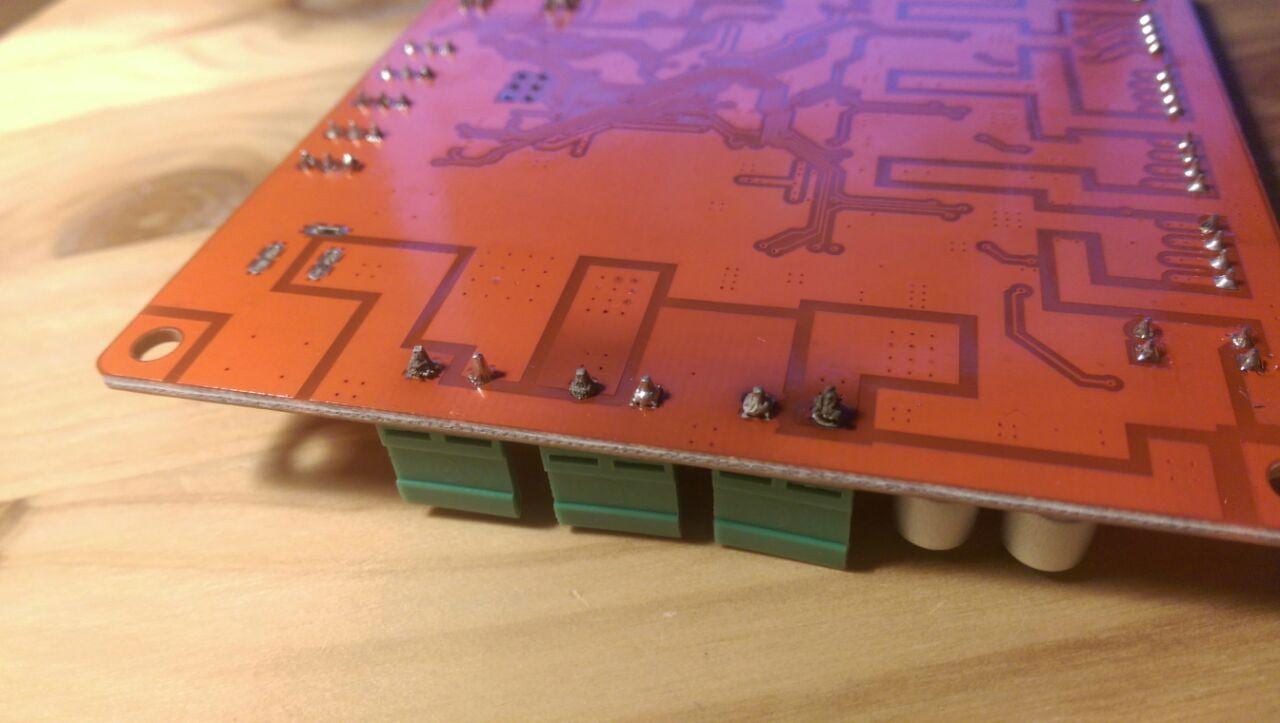
Desolder all three connectors. Heat the two pins alternating and pull them out or use desoldering tools like desoldering wick and a desoldering pump.
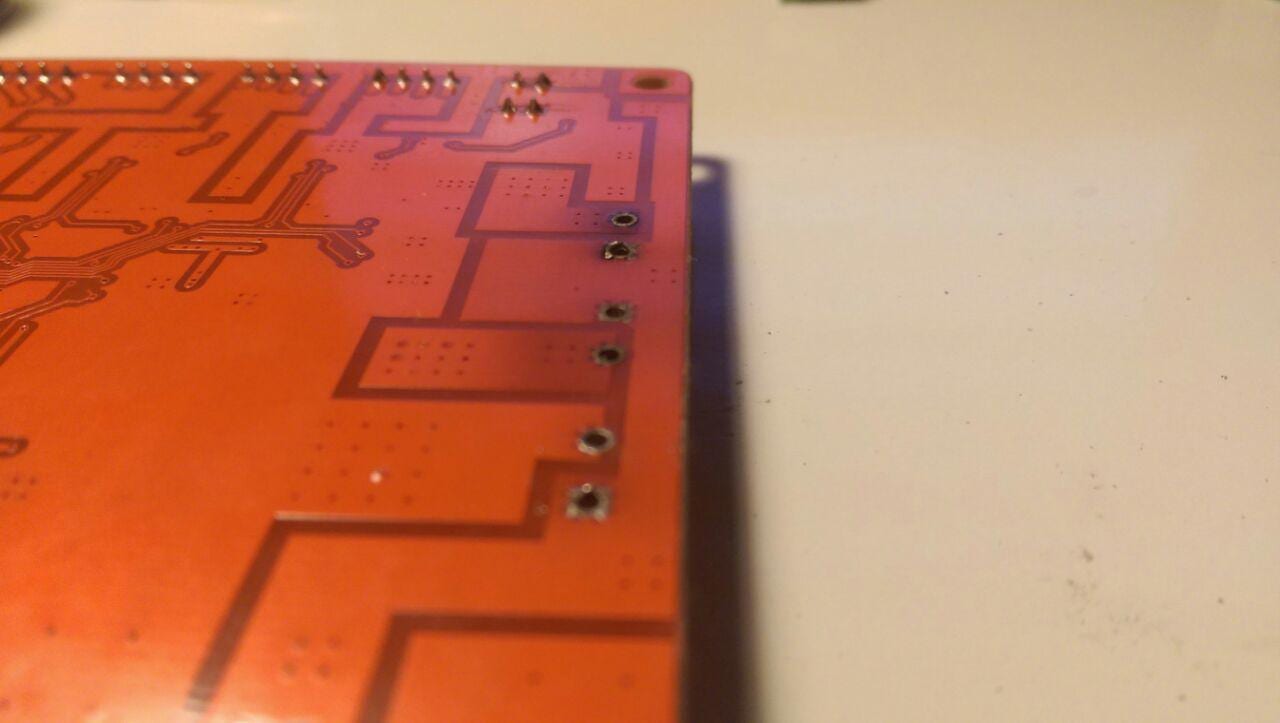
Solder the new connectors
To apply the new connectors to the board just solder them where the old ones were.
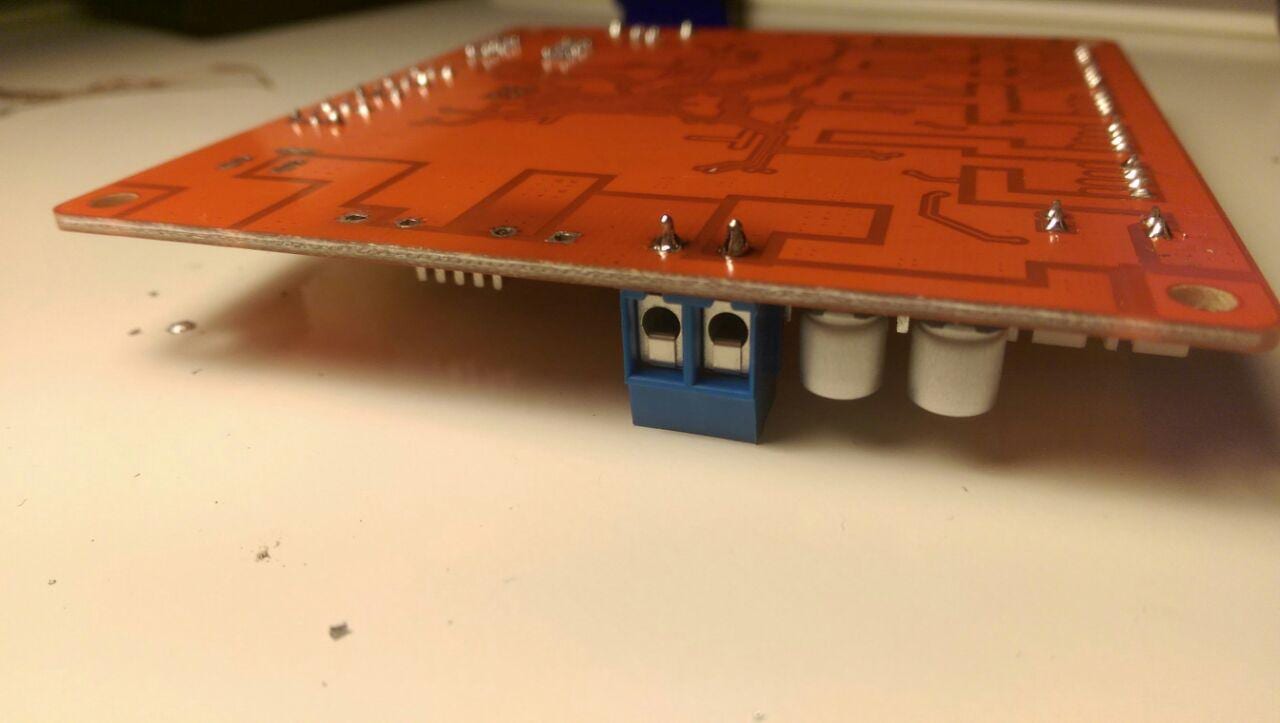
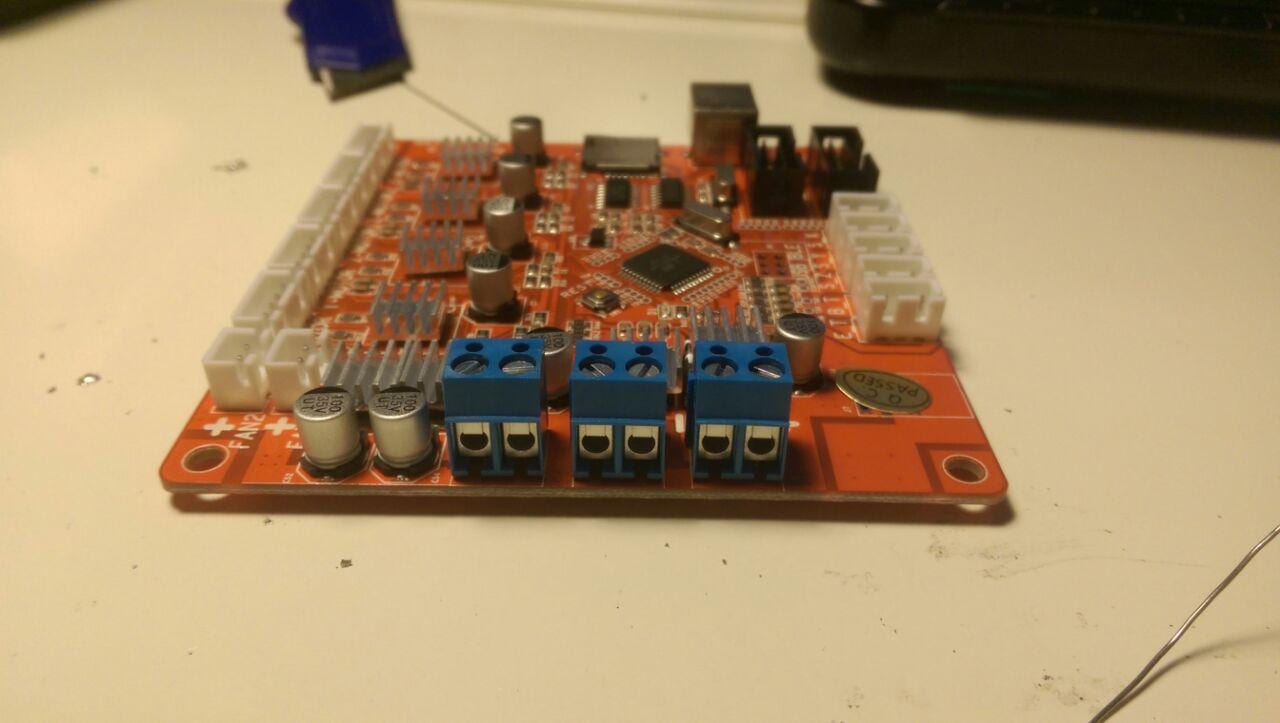
Finish
Reapply the board to your printer and enjoy.
Related improvement
To prevent the high currency of the heatbed going through the Mainboard apply a relay to your setup.